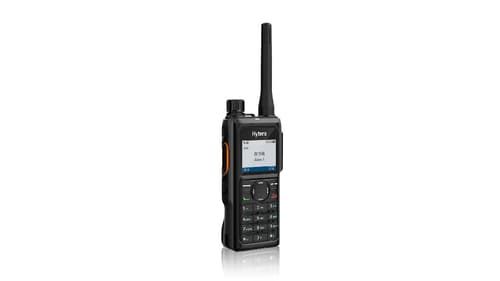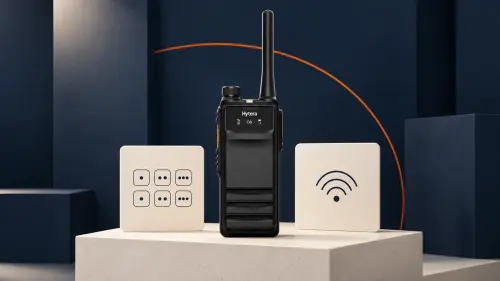
Hytera Two Way Radios
Compare Hytera radios by the controls each user needs, then match the band, system and accessories. Browse the radios below or use the buying guide after the product grid.
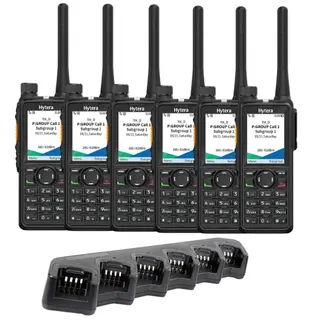
Choose the controls your team needs
These six HP models offer different front-panel layouts. Match the information and input each user needs, then select the radio band and system configuration.
| Model | Display | Input and useful distinction |
|---|---|---|
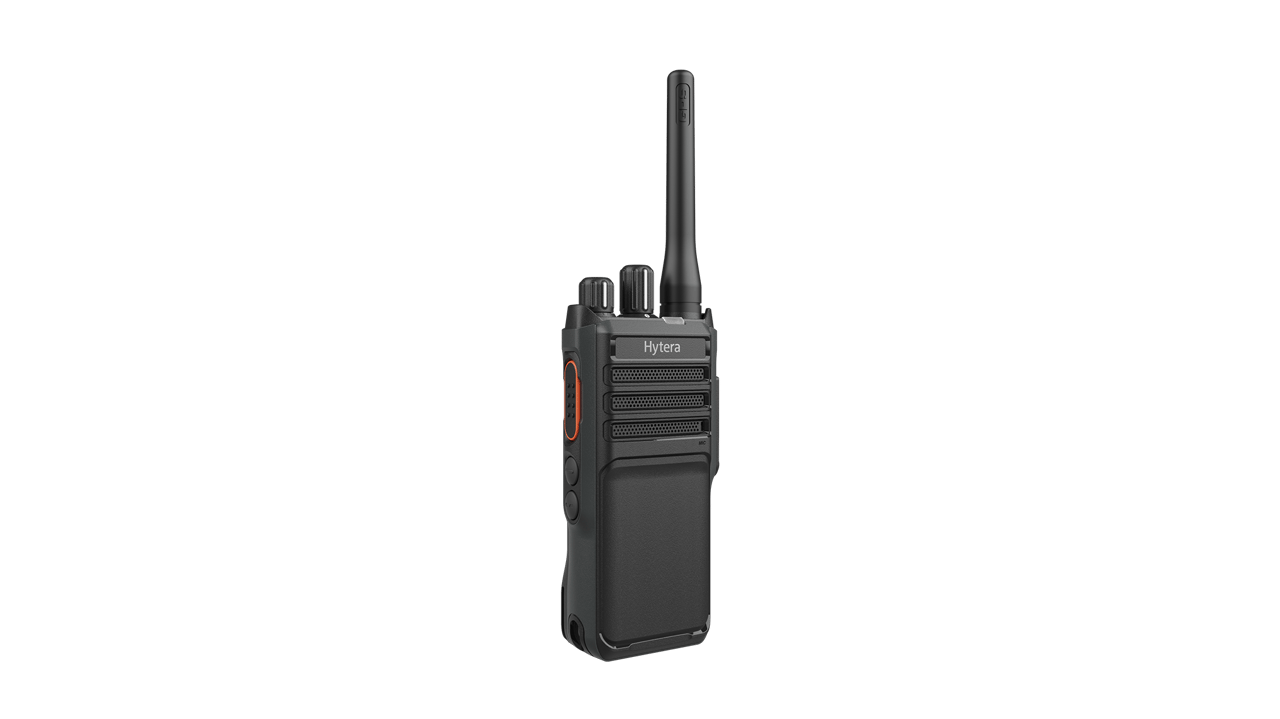
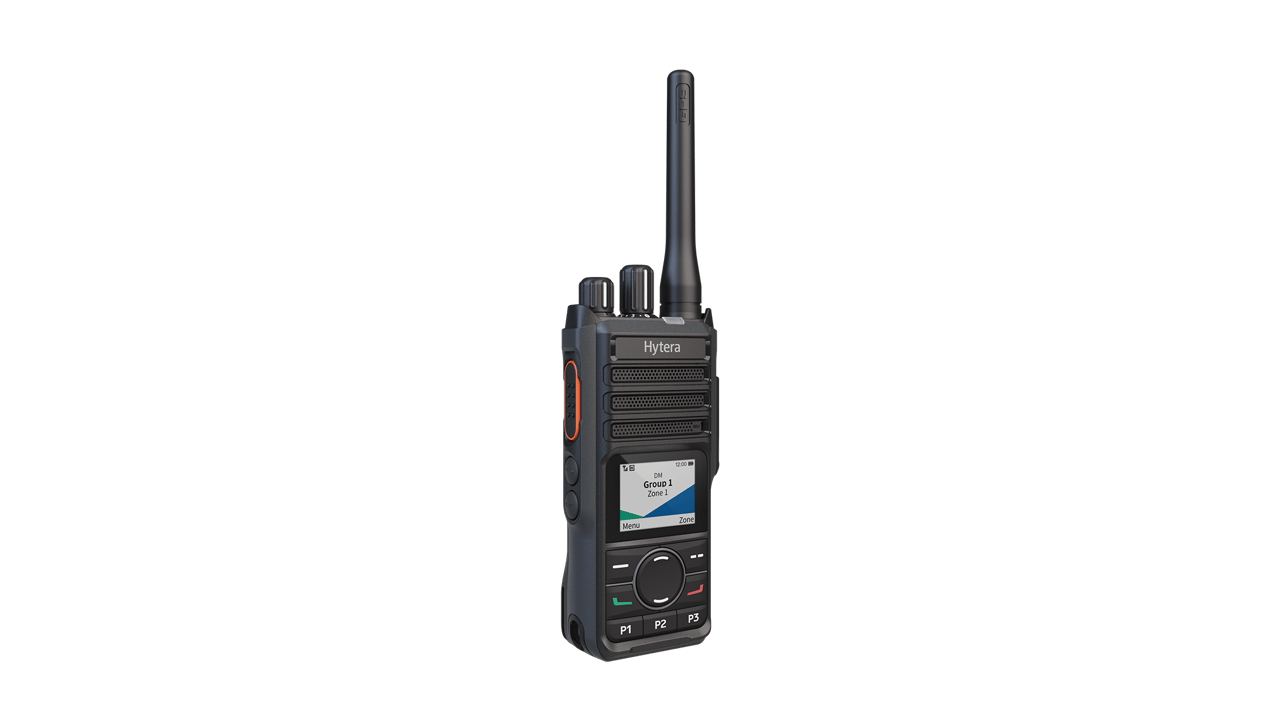
| HP505 | Screen-free | Physical channel and volume controls for planned voice channels. |
| HP565 | 1.45-inch colour LCD | Display and programmable controls, without a full numeric keypad. |
| HP605 | 0.91-inch OLED | Compact status display and physical controls; no numeric keypad. |
| HP685 | 1.8-inch colour LCD | Numeric keypad and menu/navigation keys for more on-radio input. |
| HP705 | 0.91-inch OLED | Focused physical controls and status display. |
| HP785 | 2.4-inch colour LCD | Larger display, numeric keypad and navigation controls. |
The keypad and controls guide explains the work choices. For an exact cross-brand shortlist, see HP705, HP785 and Motorola R7 FKP compared.
For first use after choosing HP605 or HP685, see HP6 power, volume, zone and channel steps.
If you are setting up an HP505 or HP565, see the HP5 first-use guide for the two models' zone controls, charging checks and first test call.
Start with the radio family that fits your system
- Licence-free direct handheld use: Hytera identifies AP515LF and AP525LF as analogue PMR446 radios. The manufacturer also describes BD505LF and BP515LF as supporting analogue and digital PMR446 operation. Check the actual model suffix, the mode used by your fleet and the UK PMR446 conditions.
- Authorised handheld fleets: Hytera's AP515 and AP585 are analogue models. Its BP515 and BP565 offer analogue and digital operation. Match the exact band and programmed system. If you need an HP-series radio, use the model and controls comparison below.
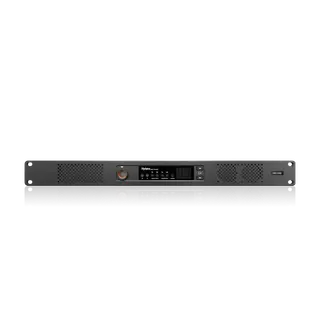
- Installed radios and site coverage: Hytera's H-series includes mobile radios such as HM655 and separate repeaters such as HR655. Use the mobile radio installation guide for the vehicle or fixed position, and the repeater planning guide for the coverage system. Check the exact offer, licence and installation before ordering.
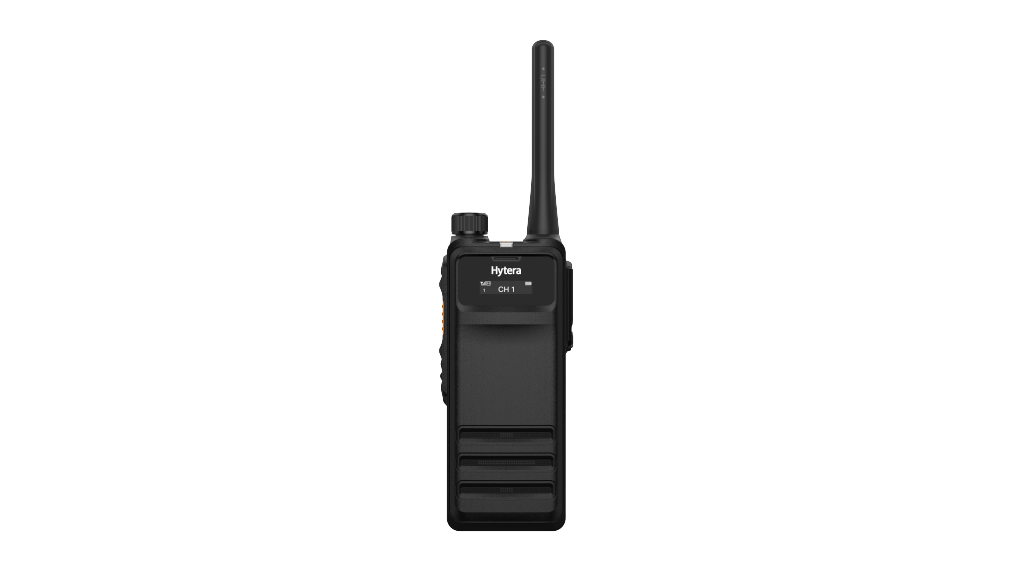
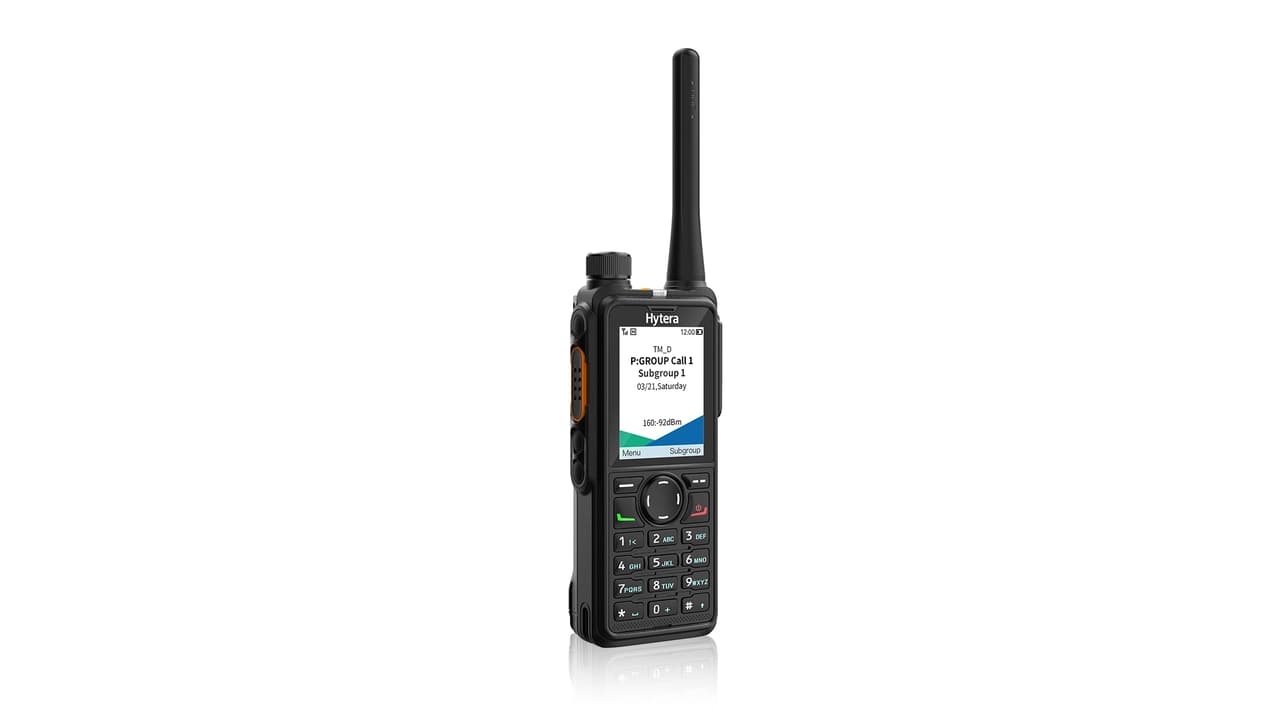
See the front-panel differences
HP505 and HP565
HP605 and HP685
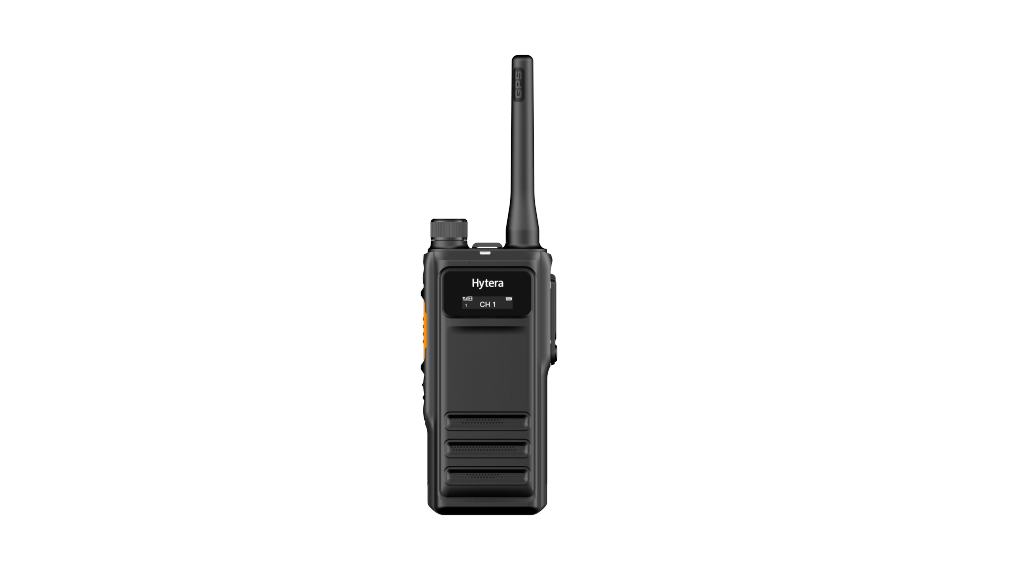
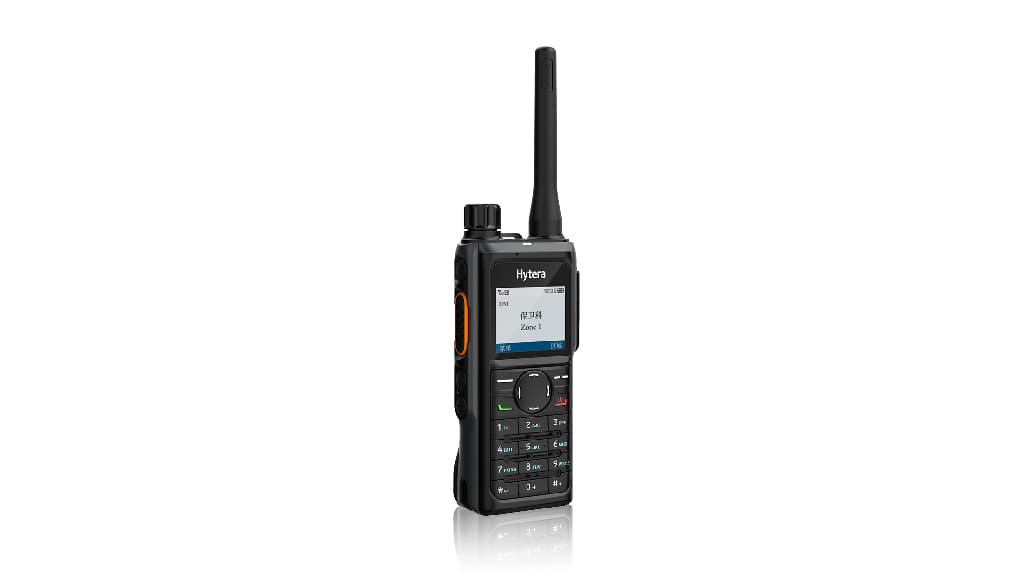
HP705 and HP785
Build a complete battery and charging setup
- HP505 / HP565: BL1508, 1500 mAh.
- HP605 / HP685: BP2002, 2000 mAh; BP3002 is a 3000 mAh alternative for these two radios.
- HP705 / HP785: BP2403, 2400 mAh.
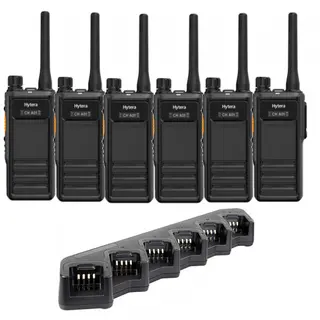
For any of these six standard HP radios, one desktop position uses the CH10L30 cradle plus the separate PS1044 12 V DC, 1 A adapter, which includes UK and EU plug fittings. CH10L30 by itself supplies no adapter, radio or battery.
The MCL39 six-position setup includes its PS15002 adapter and compatible UK mains lead; radios and batteries are separate. BRK20 is an optional wall bracket. PS1044 is not the MCL39 supply.
The HP605 and HP685 base offers include BP2002, a matching antenna, BC48 clip and wrist strap. A desktop charging set is an optional addition. Their VHF/UHF hardware and GPS choices are separate selections. Use the battery and shift guide to plan spare packs and charging positions.
Connect audio through the right parts
For HP505, HP565, HP605, HP685, HP705 and HP785, the receive-only EA-01, ES-01, ES-02, EH-01, EH-02 and EHS20 pieces use this complete path: radio → ACN-02P microphone/PTT controller → earpiece. They do not connect directly to the radio. ACN-02 without the P is a different controller.
The audio selection guide covers microphone position and working conditions. Each radio page groups its full compatible accessory selection.
Choose the system for the work
- UK licensing: distinguish PMR446 equipment from a licensed business-radio system.
- Coverage planning: assess a conventional repeater arrangement for the actual radios and site.
- Mobile-data push-to-talk: compare the device, network connection and platform service.
- Hazardous-area selection: use the exact certified radio, battery and accessory combination required by the site assessment. Standard HP accessories are not an Ex system.
For a specific working setting, see schools, hotels, care homes, colleges, churches, holiday parks or grounds and golf courses.
For care and setup questions, use the IP protection guide, safety-function guide, software and feature-licence guide, PMR446 equipment guide and Business Radio licence-class guide.
Send models, quantities and existing equipment through the quote enquiry form. Prices are reference RRP; the site has no online checkout.
Related Articles
Learn more about these products