
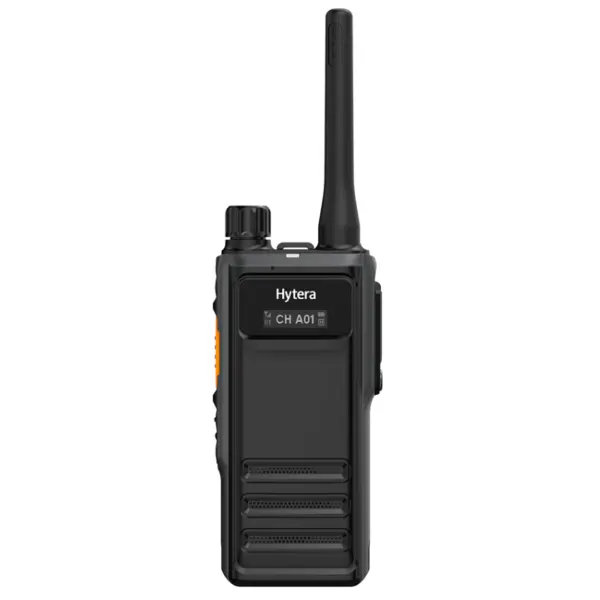
Hytera HP605 Professional DMR Radio with OLED Display
A professional DMR handheld with a compact 0.91-inch OLED status display and physical push-to-talk controls. Supports analogue and digital conventional operation.
Prices shown are reference RRP. Enquire about your chosen models, quantities and accessories for a written quote.
Includes BP2002 battery, matching antenna, BC48 clip and wrist strap. Choose the frequency and GPS version; a desktop charging set is an optional addition.
What's in the Box
- 1 × Hytera HP605 radio in the selected frequency/GPS version
- 1 × BP2002 2000 mAh lithium-polymer battery
- 1 × antenna matched to the selected radio variant
- 1 × BC48 belt clip
- 1 × RO03 wrist strap
- User guide
A desktop charging cradle and power supply are added only when the charging-set option is selected. Other accessories shown on this page are separate unless listed in your selected quotation.
HP605 combines a small 0.91-inch OLED status display with physical push-to-talk and side controls. It suits a team whose routine is selecting a configured channel and making voice calls, with a quick glance at basic handset information.
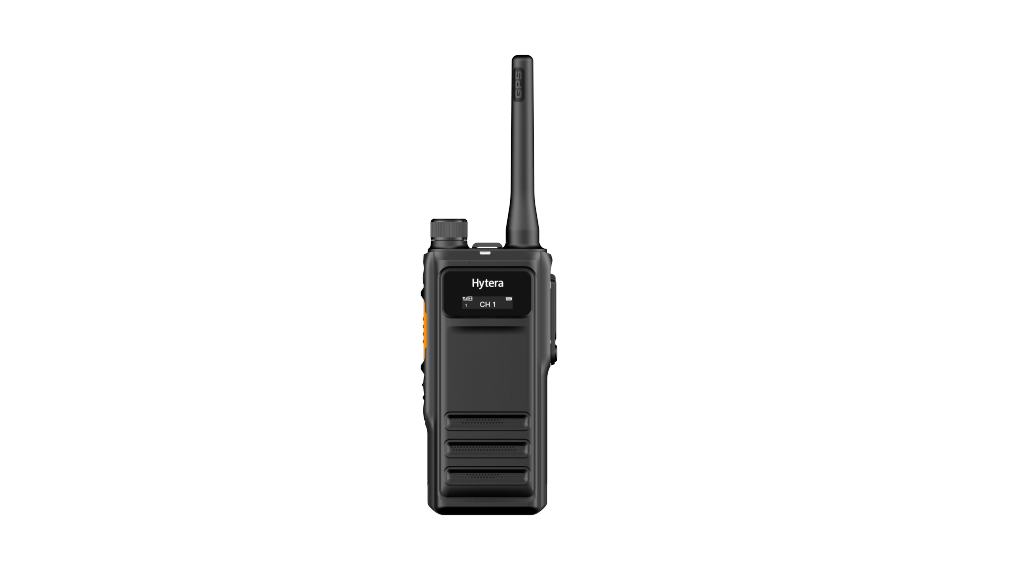
Choose the radio configuration
Select the VHF or UHF hardware to match your licensed frequencies. The GPS Version selector is a separate hardware choice; select Yes if your system needs the GPS-equipped version. Channel programming and supported system features must match the radios already in use. Analogue and DMR conventional operation must be programmed for the same licensed channel plan as the existing fleet; this is not a licence-free PMR446 radio.
The base offer is supplied without a charging set. Choose the named Charger & Cradle option to add a desktop cradle and compatible power supply, or choose No Charger when reusing suitable equipment. The Ofcom selector records your licensing requirement; a radio quotation or licence-form choice is not itself permission to transmit.
Choose the interface for the job
The HP685 adds a larger colour display and numeric keypad. Choose it when users need more on-screen information or direct keypad input. HP605 keeps the interface compact for voice-focused work.
Clearer everyday voice communication
AI-based noise cancellation helps reduce background sound in transmitted speech. The dedicated push-to-talk control keeps the call action accessible while staff move between work areas or deal with customers.
Coverage depends on the building, terrain, frequencies and system design. A larger radio feature list is not a substitute for a coverage plan that fits the site.
Radio and battery care
Follow the radio and battery instructions, keep connector seals in place and keep charging contacts clean and dry. Charge within the permitted conditions using approved compatible equipment, and do not use the radio while charging.
Battery condition, transmit power and the balance of calls and standby time affect operating time. Do not charge a damaged, swollen or wet battery. Standard HP6 equipment must not be used as an intrinsically safe or ATEX radio system.
Build a practical HP6 radio setup
The supplied BP2002 2,000 mAh battery and BC48 belt clip are the matching HP6 parts. A single charging position uses CH10L30 plus PS1044; MCL39 is the alternative six-position system with its own power supply. For receive-only earpieces, use the radio → ACN-02P microphone/PTT controller → earpiece path. See the grouped accessory directory below for all supported parts.
Hytera HP6 Series digital radio overview
FROM HYTERA COMMUNICATIONS EUROPEPress Play to load the HP6 family introduction from YouTube.
HP6 Series Product Video · Hytera Communications Europe
Watch on YouTube if the player is unavailableCommon questions
How does HP605 differ from HP685?
HP605 has a 0.91-inch OLED status display without the HP685 numeric keypad. HP685 has a 1.8-inch colour display and numeric keypad. Choose around the information and input the user needs during the job.
Can it work with our existing radios?
It can be configured for a compatible radio system. Match the hardware band, frequencies, operating mode and channel plan; the manufacturer name alone does not establish interoperability.
Which battery and carrying clip fit?
BP2002 is the compatible 2000 mAh, 7.7 V lithium-polymer battery, and BC48 is the HP6 spring belt clip. CH10L30 is a compatible single desktop charging cradle with a separate compatible power supply.
Explore the range
Hytera radio selection guidance compares the controls and equipment choices across the range.
For day-one controls, read how to power HP605, set volume and choose a programmed channel. The guide includes the HP605 manual and explains the Smart knob's channel-selection window.
Accessories for the Hytera HP605
Choose the wearing style, battery rotation and charging layout that suit the job. These options apply to standard HP605 models; hazardous-area equipment requires its own approved system.
Wired audio and controller chains
Use the complete path: radio → ACN-02P microphone/PTT controller → receive-only earpiece. The earpieces below do not connect directly to the radio.
- ACN-02P — Microphone and push-to-talk controller for a separate receive-only earpiece.
- EA-01 — Receive-only acoustic-tube earpiece.
- EH-02 — Receive-only swivel earpiece.
- ES-01 — Receive-only earpiece.
- ES-02 — Receive-only acoustic-tube earbud.
- EH-01 — Receive-only earpiece.
- EHS20 — Receive-only earpiece.
Antennas
Match the antenna RF band to the selected VHF or UHF radio and its programmed channels. Positioning support also needs the appropriate radio hardware; an antenna does not add or enable GPS.
| Part | RF band | Positioning support | Length |
|---|---|---|---|
| AN0141H06 | 136-147 MHz | None | 17cm |
| AN0141H07 | 136-147 MHz | GPS/GLONASS | 12cm |
| AN0153H08 | 147-160 MHz | GPS/GLONASS | 12cm |
| AN0155H08 | 136-174 MHz | GPS/GLONASS | 20cm |
| AN0157H01 | 150-165 MHz | GPS/GLONASS | 12cm |
| AN0160H13 | 146-174 MHz | None | 15cm |
| AN0160H16 | 145-175 MHz | None | 11.9cm |
| AN0167H06 | 160-174 MHz | None | 17cm |
| AN0167H07 | 160-174 MHz | GPS/GLONASS | 12cm |
| AN0435H13 | 400-470 MHz | None | 9cm |
| AN0435H21 | 400-470 MHz | GPS/GLONASS | 9cm |
| AN0435W09 | 400-470 MHz | None | 15.7cm |
| AN0455H012 | 440-470 MHz | None | 9cm |
| AN0460W19 | 440-470 MHz | None | 15.7cm |
| AN0485H15 | 450-520 MHz | GPS/GLONASS | 9cm |
Batteries
- BP2002 — 2000 mAh Li-polymer battery for HP605/HP685, for a matching spare or replacement.
- BP3002 — 3000 mAh smart Li-polymer battery alternative for HP605/HP685.
Charging and power
- CH10L30 — Single desktop charging cradle, supplied without a power adapter. Pair it with PS1044.
- MCL39 — Six-position charger. This offer includes the specified PS15002 power adapter and a compatible UK mains lead; radios and batteries are separate.
- PS15002 — Power adapter used by MCL39 and included in the linked MCL39 charging setup.
- BRK20 — Optional wall-mount bracket for MCL39; not included in the desktop charging offer.
- POA59 — Charging-pocket reference for the MCL39 system.
- PS1044 — 12 V DC, 1 A power adapter for CH10L30, supplied with UK and EU plug fittings.
Wired audio and headsets
Choose the wearing arrangement alongside the PPE used on site.
- EAN21 — Acoustic-tube earpiece with microphone and push-to-talk controls.
- EAN24-P — Acoustic-tube earpiece with in-line microphone and PTT.
- EBN09-P — Bone-conduction headset with a large PTT button.
- ECN21-P — Heavy-duty headset with microphone and PTT.
- ECN48-P — Neckband headset with microphone and PTT.
- ECN49-P — Headband headset with microphone and PTT.
- ECN50-P — Helmet-mounted headset with microphone and PTT.
- EHN26-P — C-style earpiece with in-line microphone and PTT.
- EHN39-P — C-earset with microphone and PTT.
- EHN40-P — D-earset with in-line microphone and PTT.
Programming
- PC152 — USB-A to 13-pin programming cable. The cable offer excludes software and programming service.
Carrying
- BC48 — Belt clip for HP605/HP685.
Send your radio model and band, quantities, existing accessories and preferred working setup through the quote enquiry form. The itemised quote will identify the supplied equipment and any additional parts or services.
✦ Related Products
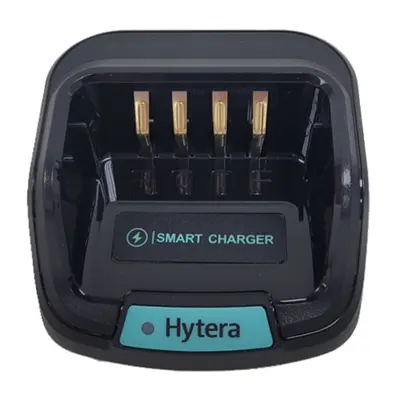
Hytera CH10L30 Single Charging Cradle for HP Series Radios
Checking price and quote options
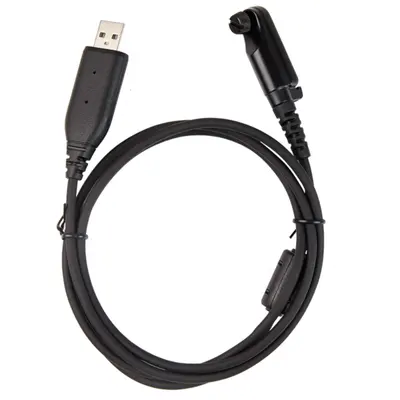
Hytera PC152 USB Programming Cable, 13-Pin
Checking price and quote options
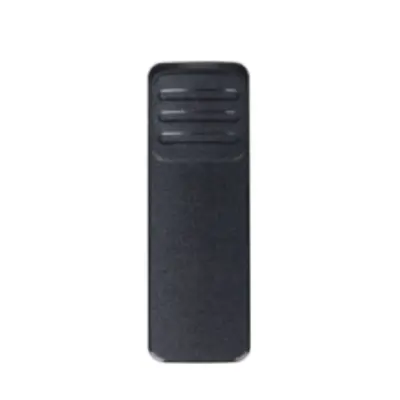
Hytera BC48 Belt Clip for HP505, HP565, HP605 & HP685
Checking price and quote options
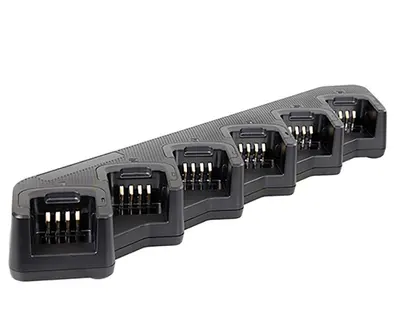
Hytera MCL39 Six-Way Charger for HP Series Radios
Checking price and quote options
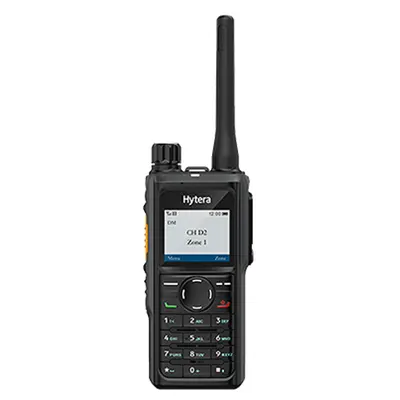
Hytera HP685 Professional DMR Radio with Colour Display and Keypad
Checking price and quote options
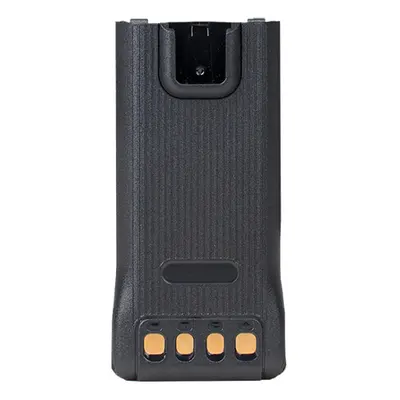
Hytera BP2002 2000 mAh Battery for HP605 & HP685
Checking price and quote options