
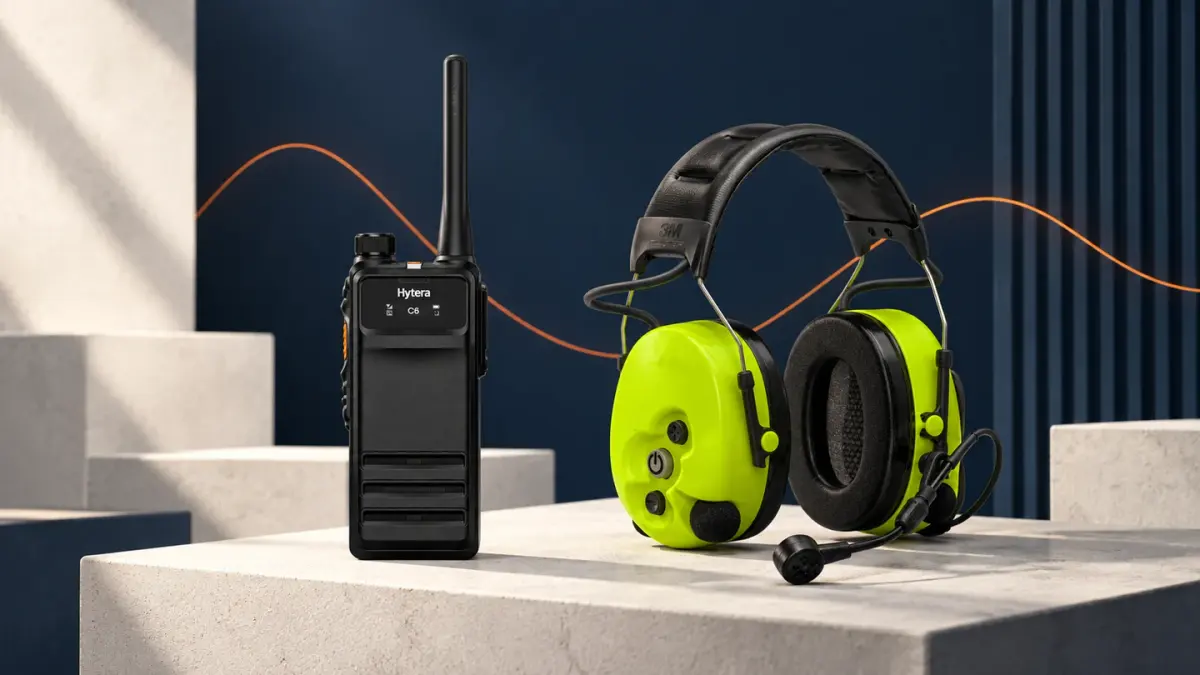
How Noise Cancelling Two-Way Radios Improve Site Communication
Start with the noise and the radio position
Machinery, traffic, wind, reverberant buildings and clothing rubbing against a microphone create different problems. Noise-cancelling audio can reduce surrounding sound, but it cannot make every message clear or replace the site's hearing-protection assessment.
Use the accessory as a complete chain
- Keep the microphone close to the mouth and orient it as the accessory instructions show.
- Use a shoulder microphone or headset when the radio sits under a coat, harness or high-visibility vest.
- Keep the microphone opening clear of rain, dust, cable strain and loose fabric.
- Use short standard messages and request a repeat when a critical detail is missed.
- Test at the actual work point, at the busiest time, with the PPE and accessory combination the team will wear.
For HP605 and HP685, connect the radio to the ACN-02P microphone/PTT controller, then connect a receive-only earpiece to the controller. The compatible earpiece choices are EA-01, ES-01, ES-02, EH-01, EH-02 and EHS20. The earpiece is not a direct radio connection, and ACN-02 (without P) is a different part. For a compact radio, compare the HP605 and its compatible audio arrangement.
Make the test useful
Compare the same message from the machine side and the supervisor side, record the radio and accessory identities, and note where a repeat was needed. That produces a defensible selection decision without claiming that one headset suits every shift.
For the wider wet/dust and care implications, see the IP-rating guide; it covers protection separately from audio performance.
Compare the relevant handsets and compatible setup choices in the Hytera radio selection guide.