
Two-way radio chargers: match the battery, base and UK power supply
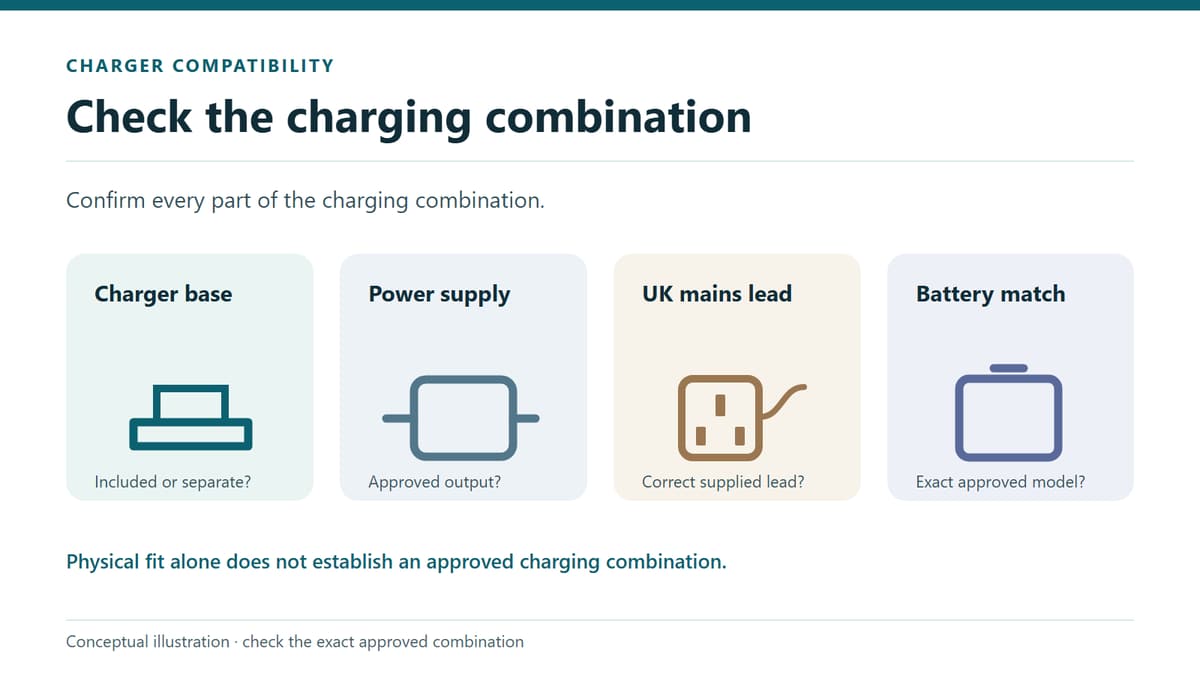
The battery, charging pocket and power input each need checking, even when a charger kit combines some of those parts. Before you order a replacement or set up a bank of six, check the exact radio model, battery part number, charging pocket and power arrangement. A connector that fits is not evidence that the combination is approved.
Check the whole charging chain
| Check | What to confirm | Why it matters |
|---|---|---|
| Radio and battery | Exact model, regional edition, battery part number and chemistry. | Some chargers accept a battery on its own, a radio with battery fitted, or only specified combinations. |
| Charging pocket | Charger part number, pocket insert or adapter, and the maker's compatible battery list. | A multi-unit charger's pockets or inserts may differ from a single-unit base. |
| Power input | The power supply or lead specified for that charger, including input rating and UK mains connection. | Do not substitute a convenient adapter on the strength of plug shape alone. |
| Delivered kit | Whether the quoted item includes the supply, UK lead, inserts and batteries you need. | “Charger” can describe a base, a powered kit or a complete multi-bay assembly; confirm the actual offer. |
For example, Hytera lists the BP515 with a CH10A07 desktop charger and a PS1044 EU/UK adapter among the radio's standard accessories. That manufacturer list helps identify parts to check; it does not confirm what a particular SyncComms quote includes. Check the actual offer and the exact manual before ordering.
Single-unit, multi-unit or vehicle charging?
A single-unit charger suits a small fleet or an individual spare. A multi-unit charger can bring several batteries to one managed location, but check the number and type of pockets and the power kit supplied. A vehicle charger needs its own approved installation and power arrangement; do not treat a desktop charger as a vehicle charger.
If the fleet mixes radio families, list each radio and battery before choosing a shared charging point. Ask whether each pocket takes a radio, a loose battery, or both at the same time. Hytera describes its MCA16 as an eight-pocket charger and analyser for the listed batteries of several AP, BP and HP models; its specification does not promise eight radios plus eight spare batteries. By contrast, Motorola's CLR accessories catalogue describes the PMLN8250 as taking up to 12 CLR radios or six CLR radios and six loose batteries. That CLR arrangement is an exact-family example, not a promise for other Motorola chargers. Keep a labelled spare-battery rotation and check the capacity of the specific assembly in your quote.
Use and fault checks
- Read the exact charger and battery instructions before connecting power. Use the specified supply and a suitable indoor location unless that product's instructions expressly allow something else.
- Seat the battery or radio as the manual describes. Follow the maker's instruction on whether the radio should be switched off while charging.
- If there is no indication, check the socket, approved supply, plug and seating. For an error indication, consult the LED table for that charger before replacing parts. On the cited Motorola CLR charger, steady red means charging, steady green means charged and a fast blinking red light signals an error; those colours must not be transferred to another charger without its own manual.
- Stop using a damaged charger, lead or battery. Follow the manufacturer's service and battery handling instructions rather than attempting a mains or battery repair.
The cited Motorola CLR guide instructs users to switch off the radio while charging and gives that charger's LED meanings. Follow the relevant manual for other equipment.
What to send us for an exact match
Tell us the radio model and suffix, battery part number, existing charger part number (if any), how many radios or spare batteries need charging at once, and whether you need a UK mains supply or a vehicle arrangement. For hazardous-area equipment, include the exact radio and battery certification scope and use only the maker-approved charging arrangement. We can then identify the complete quoted kit and any separate pieces before you commit.
Browse charger and power options and radio batteries to identify candidate parts; confirm exact fit and kit contents before choosing one. For shift planning, read our radio battery runtime guide. If an apparently charged radio still fails in use, use the exact radio and battery manuals to separate a battery fault from a charging or contact issue.
Manufacturer examples: Hytera BP515 accessories, Hytera MCA16 specification, Motorola CLR PMLN8250 charger and the Motorola CLR user guide. These are model-specific references, not a compatibility list for every product on this site.